
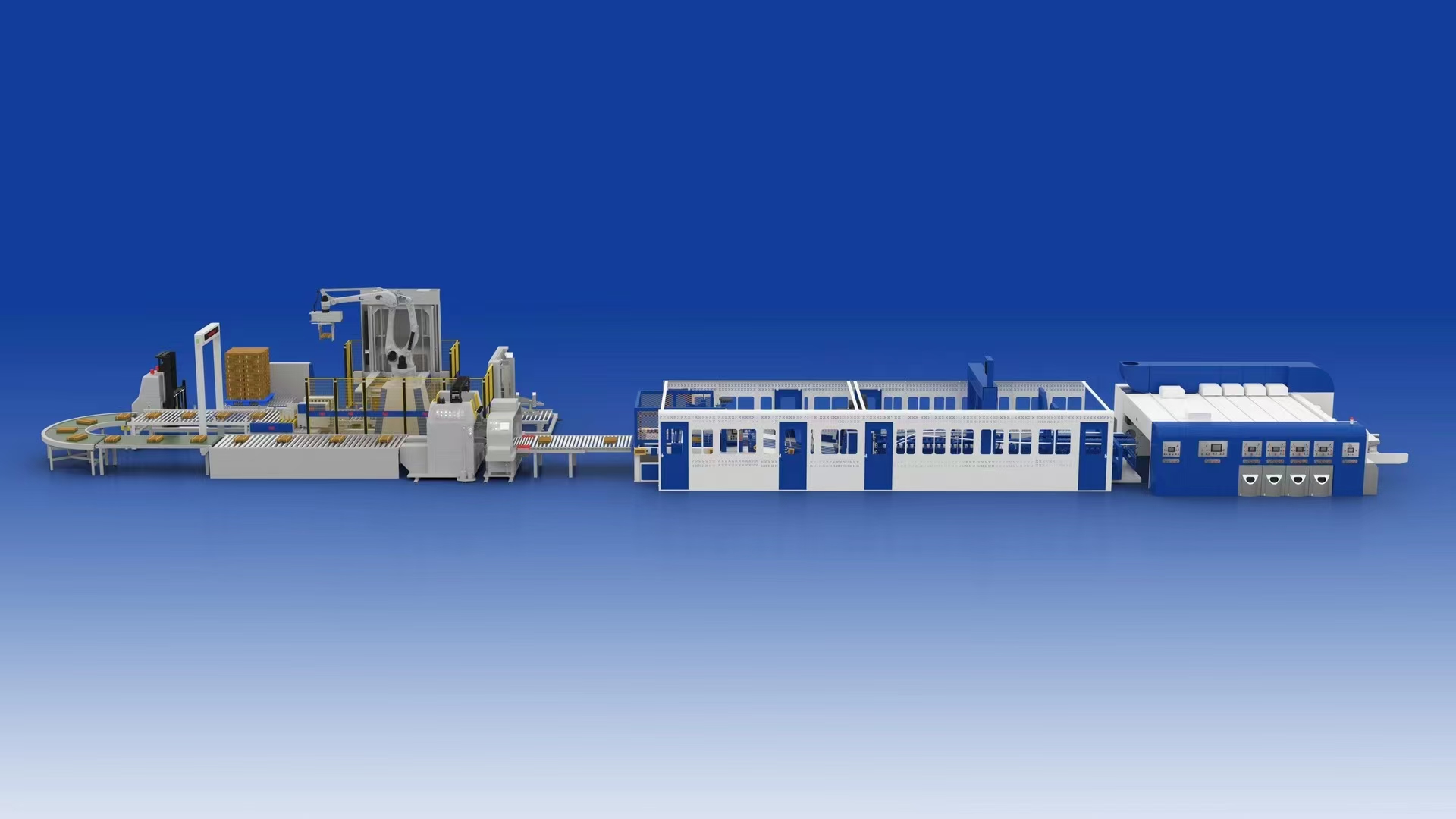
Why Your Flexo Printer Slotter Die Cutter Has Ink Transfer Problems
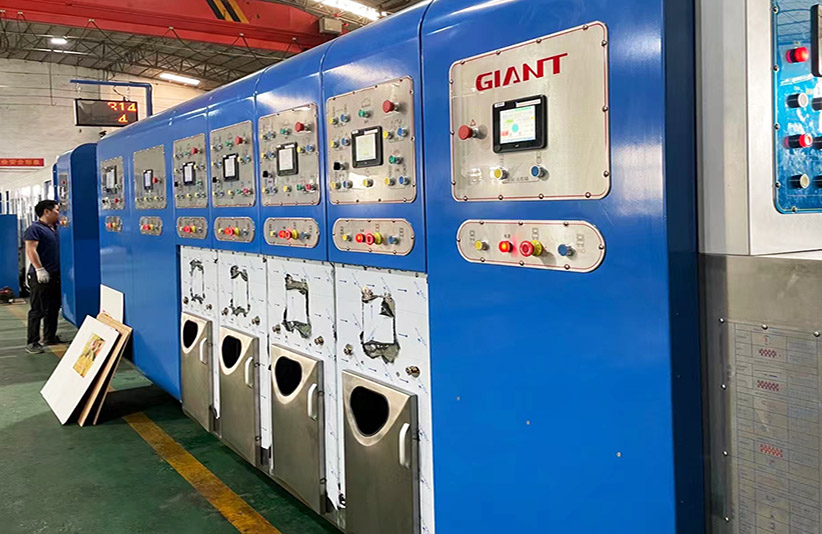
If you’ve ever seen a print job start out perfectly—sharp edges, rich color, and clean coverage. Only to fade into uneven patches, white spots, or even ink smearing just a few minutes later, you’re not alone. This is one of the most common frustrations in corrugated printing, and it often gets blamed on ink quality or operator error. In reality, the root cause usually lies deeper inside your Flexo Printer Slotter Die Cutter. Specifically in how ink is transferred and controlled between the anilox roll and the printing system. Once you understand how ink transfer works, and what goes wrong in that process, you can dramatically improve print stability and consistency.
How Ink Transfer Works in a Flexo Printer Slotter Die Cutter
Ink transfer in a Flexo Printer Slotter Die Cutter follows a precise path: ink is picked up by the anilox roll, metered through its engraved cells, and then transferred to the printing plate before reaching the substrate. Each step in this chain plays a critical role in determining final print quality.
The anilox roll is at the center of this system. Its engraved cells carry a controlled volume of ink, making it the primary tool for regulating ink film thickness. If the cell volume is inconsistent or clogged, the entire ink transfer process is compromised. This is why the anilox roll is not just a transfer component—it is a precision metering device that directly impacts color density, clarity, and uniformity.
How to Diagnose Problems in Your Flexo Printer Slotter Die Cutter
Before fixing ink transfer issues, it’s important to identify where the problem originates. Here’s a simple diagnostic approach:
- Faded or light prints
Likely caused by clogged anilox cells or insufficient ink volume. - Color inconsistency across runs
Often related to unstable ink viscosity or inconsistent ink release from the anilox roll. - Smearing or ink sticking
May be caused by poor drying conditions or excessive ink volume. - Uneven print coverage
Typically linked to improper doctor blade pressure or uneven blade contact. - Ink buildup or contamination
Usually a sign of poor Anilox roll cleaning or ink system contamination.
By identifying these symptoms early, operators can quickly narrow down whether the issue lies in the anilox system, ink properties, or doctor blade setup.
Why Your Flexo Printer Slotter Die Cutter Has Uneven Printing
1. Anilox Roll Cleaning Issues
One of the most common causes of poor print quality is inadequate Anilox roll cleaning. Over time, dried ink accumulates inside the anilox cells, reducing their effective volume. This leads to inconsistent ink release and visible print defects such as white spots or faded areas.
Regular cleaning is essential to maintain optimal performance. Methods include chemical cleaning, ultrasonic cleaning, and in more advanced setups, laser cleaning. The key is consistency—cleaning should be part of routine maintenance, not just a corrective action.
2. Low Ink Transfer Efficiency
Ink transfer efficiency refers to how effectively ink moves from the anilox roll to the printing plate and then to the substrate. If this efficiency drops, print quality will suffer immediately.
Common causes include:
- Improper ink viscosity
- Poor anilox engraving selection
- Worn or damaged anilox cells
When ink transfer efficiency is low, operators may increase ink volume to compensate. However, this often leads to new problems such as smearing or longer drying times.
3. Doctor Blade Instability
The doctor blade system plays a crucial role in controlling ink volume on the anilox roll. If the blade pressure is too high, it can strip too much ink. If it’s too low, excess ink remains, causing over-inking and print defects.
Traditional open systems often struggle with consistency because they expose ink to air and environmental changes. This is where modern solutions make a difference.
4. Ink Drying Problems
Ink that dries too slowly can lead to smearing, sticking, or even print-to-print adhesion issues. This is especially common in high-humidity environments or when using heavy ink coverage.
Drying performance depends on:
- Ink formulation
- Airflow and drying systems
- Printing speed
If drying is not properly managed, even a well-calibrated Flexo Printer Slotter Die Cutter can produce poor results.
How to Improve Ink Transfer Efficiency in Flexo Printer Slotter Die Cutter
Improving print quality starts with improving ink transfer efficiency. Here are the most effective strategies.
1. Maintain Proper Anilox Roll Cleaning
Regular Anilox roll cleaning ensures that each cell can carry and release the correct amount of ink. A clean anilox roll delivers consistent ink volume, which is essential for stable print quality.
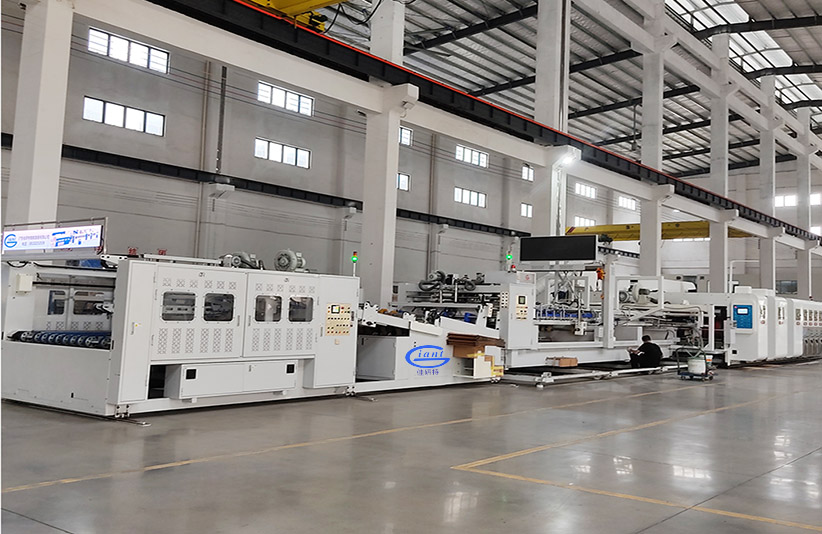
Giant Corrugated Cardboard Carton Boxes Making Inline Packing Machine GMVP-0820
2. Control Ink Properties
Ink performance must be tightly controlled:
- Maintain proper viscosity
- Keep pH within recommended range
- Ensure stable temperature conditions
Even small variations can significantly impact ink transfer efficiency.
3. Upgrade to a Chambered Doctor Blade System
One of the most effective upgrades in modern Flexo Printer Slotter Die Cutter machines is the chambered doctor blade system.
Unlike open systems, a chambered system:
- Fully encloses the ink
- Maintains consistent ink supply
- Reduces contamination
- Improves ink transfer efficiency
This design ensures that the anilox roll receives a stable and controlled ink film at all times.
Open vs Chambered Doctor Blade in Flexo Printer Slotter Die Cutter
|
Feature |
Open Doctor Blade |
Chambered Doctor Blade |
|
Ink Stability |
Low |
High |
|
Ink Transfer Efficiency |
Variable |
Consistent |
|
Maintenance |
Frequent |
Lower |
|
Contamination Risk |
Higher |
Lower |
|
Print Quality |
Less stable |
More consistent |
The difference is clear: chambered systems offer far better control over ink delivery, which directly improves overall flexo printing quality.
Why Modern Flexo Printer Slotter Die Cutter Machines Use Chambered Systems
A chambered doctor blade system works by enclosing ink within a sealed chamber and using dual blades to precisely control ink volume on the anilox roll. This creates a stable and repeatable ink transfer process.
When paired with a high-quality anilox roll, the result is:
- More consistent ink film thickness
- Better color stability
- Reduced operator adjustments
In simple terms:
Anilox controls how much ink is delivered, while the chambered system controls how consistently it is delivered.
Customized Produce Automatic Cardboard Corrugated Carton Box Making Machine GMVP-1840
How Giant Improves Flexo Printer Slotter Die Cutter Printing Performance
Modern manufacturers increasingly rely on advanced systems that combine precision engineering with stable ink delivery. For example, Giant’s Flexo Printer Slotter Die Cutter Machine is designed with high-precision components and optimized ink transfer systems to ensure consistent performance across long production runs.
With its focus on precision manufacturing and stable operation, Giant helps reduce common printing issues such as ink inconsistency and uneven coverage. This results in improved efficiency, fewer adjustments, and more reliable output—especially in demanding production environments.
Conclusion
Ink transfer issues in a Flexo Printer Slotter Die Cutter are rarely caused by a single factor. In most cases, they result from a combination of anilox condition, ink properties, and doctor blade performance. By focusing on proper Anilox roll cleaning, optimizing ink transfer efficiency, and upgrading to a chambered doctor blade system, manufacturers can achieve significantly better print stability and quality. If you are evaluating new equipment, choosing a machine with a well-designed ink transfer system—such as those offered by Giant—can make a measurable difference in both performance and long-term reliability